What Is Submetering? Meaning, How It Works and Who Pays
Last reviewed October 2026Reviewed by Grant Forehand, Compliance Officer, 20 years with NES
Submetering puts a private meter on each unit so residents pay for what they use. See how it works, who pays for what, and where the rules differ.
What is submetering?
A submeter is a private meter installed downstream of a utility's master meter to measure the water, power, or gas used by an individual unit. The city utility keeps billing the property owner from the master meter. Submeters track how much of that total volume went into each apartment, condominium, or commercial suite. A billing service turns those readings into each resident's monthly statement. The owner keeps paying for shared spaces like the laundry room and clubhouse, and residents are never billed more than the master-meter cost.
This guide is for owners, managers, and board members with communities of 80 or more units. Smaller buildings are often better served by a small-property provider. You will see how submeters work, what equipment costs, how installation runs, and how billing works each month.
What submetering means on a lease and on your balance sheet
Submetering separates property utility bills from resident use. In a standard master-metered building, the city utility measures the entire property through one meter. The owner gets that bill each month and pays the whole balance out of operating funds, or tries to cover it with flat rent charges. A submeter is a private meter installed on the branch pipe or electrical line feeding a single unit.
The city utility does not own, read, or service these submeters. You own the hardware. The city bills you on the master meter, while the submeters track how much of that water, gas, or power entered unit 101, unit 102, or the shop. Check our guide on master meter vs submeter vs direct meter setups to compare connection types.
On a lease, "submetered" means the resident pays for the utility based on what their own unit's meter measured. The lease addendum explains how the rate is set, which meter serves the apartment, and what billing fees apply. On the monthly statement, the resident sees their exact meter readings, usage, the rate, and any billing fee allowed where they live.
How submetering works from meter to payment
A submetering program follows a regular monthly cycle. It connects the physical equipment in the utility closet to resident billing.
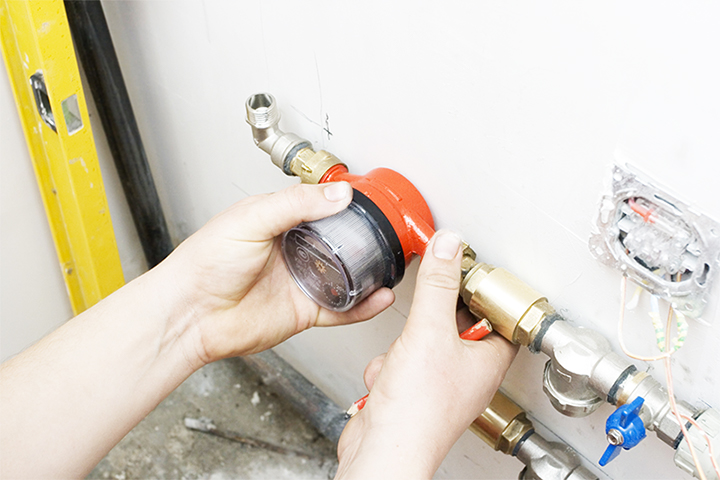
- Physical measurement. Private submeters measure water, gas, or electricity as it enters each home. Modern meters record these pulses directly from the measuring chamber.
- Wireless data transmission. The transmitters send consumption numbers several times a day over radio frequencies. Repeaters spread across the property pick up those signals and forward them to a central gateway.
- Data collection and leak monitoring. The gateway sends daily readings to our MyReads portal. The software flags continuous flow from a running toilet or a hidden pipe break before it runs up the bill.
- Master bill reconciliation. You send your monthly utility bills to NES. Our team reviews the rates, usage tiers, and municipal charges billed by the city provider for that cycle.
- Resident statement generation. NES applies the utility's exact rate to each resident's recorded use. Statements go out by mail or email.
- Payment collection and property reimbursement. Residents pay online or by phone. NES collects the funds and sends them back to the property account to offset the city utility bill.
Which utilities you can submeter
State and local utility rules determine which utilities you can bill back to residents and what meter approvals are needed. Water and sewer are the most common utilities to submeter, but gas, electricity, and central thermal loops can also be metered.
Water and sewer
- What the meter measures
- Gallons or cubic feet
- Notes
- The most common utility submetered in multifamily properties. Sewer charges are billed from incoming water volume. See our guide to water submetering.
Electricity
- What the meter measures
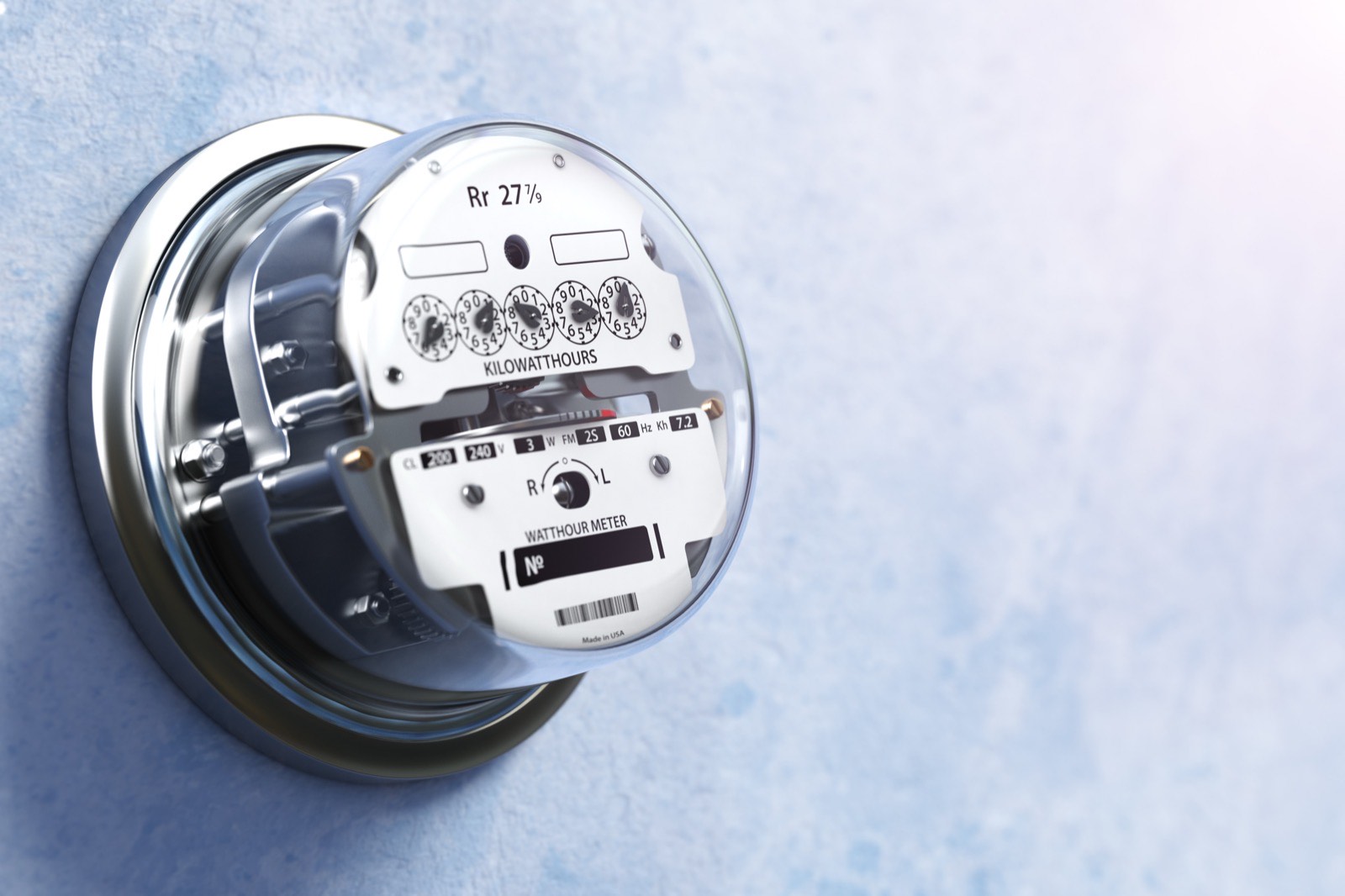
- Kilowatt-hours (kWh)
- Notes
- Uses current sensors installed in breaker panels or external meter banks. Rules for electric are stricter than for water. Read our electric submetering guide.
Natural gas
- What the meter measures
- Hundreds of cubic feet (Ccf) or therms
- Notes
- Measures fuel for individual furnaces, water heaters, or ranges. Space in mechanical closets affects meter placement. See our gas submetering guide.
Central hot water and hydronic heat
- What the meter measures
- British thermal units (BTU) or hot water gallons
- Notes
- Measures heat drawn from a central boiler with temperature sensors and flow meters. Read our guide to hot water and heat submetering.
Properties with central boilers often use thermal meters to divide winter heating costs based on use. In buildings with individual heat pumps, electric submetering assigns power costs to the residents setting the thermostats.
Who pays for what in a submetered community
The property owner stays the utility's customer of record on the master meter. If a resident pays late, the owner still pays the city invoice on time to maintain service.
Residents pay only for the utility volume passing through their unit's meter. If an apartment sits empty for three weeks between leases, the owner covers that baseline use. The incoming tenant pays only for the days their lease is active.
Common-area use stays with the owner. Utility use from irrigation, leasing offices, pools, clubhouses, and shared laundry rooms never shifts to resident accounts. Those lines are piped separately or subtracted from the master bill before statements go out.
NES never bills residents more than the master-meter cost and bills fees only where allowed. In most states an owner cannot mark up the utility's rate, so submetering recovers cost rather than making a profit. Our in-house compliance team checks submetering laws for your property's exact address before we quote a system.
What submetering means for residents
In an unmetered building, a resident running an old washing machine or ignoring a running toilet pays nothing extra. The owner absorbs the cost, or rent goes up across the property next year. Submetering ties monthly cost directly to resident habits.
A resident gets a monthly statement showing the opening read, closing read, units used, the utility rate, and the balance due. A single tenant who travels for work sees a lower bill than four roommates running daily laundry.
Once residents pay for their own water, water use typically drops 15 to 30 percent. Leaks get reported faster because running water shows up on the next statement.
When residents have billing questions, they call our team directly. NES maintains an in-house customer service team that answers phone calls and emails in English and Spanish. Your on-site staff can focus on property operations instead of explaining utility bills.
What a full submetering program includes
Running submeters across hundreds of homes requires equipment, field installation, and billing support. A full program covers several specific tasks:
- Site survey and plumbing check. Technicians inspect risers, water heater closets, and electrical panels to verify pipe size, shutoff valves, and wireless signal paths.
- Equipment supply. NES provides nonproprietary meters, wireless transmitters, and repeaters suited to your buildings. You own the equipment, and it comes backed by a warranty.
- Meter installation. Certified plumbers or electricians install the hardware. NES installs the meters directly, or we supply the equipment for your property's own plumber.
- Automated meter reading. Wireless transmitters send readings to an on-site gateway several times a day. No one walks the property with a clipboard.
- Daily leak detection. Our MyReads portal tracks flow data every day to flag running toilets or broken pipes before water bills climb.
- Utility rate calculation. Analysts review municipal tariffs, seasonal rates, and tiered utility pricing to set accurate unit rates each month.
- Billing and statement delivery. The billing system generates monthly statements by mail or email and syncs payment data with your property management software. See how this works in our review of submetering billing software.
- Collections and resident service. We manage collections, process payments online, and answer resident questions with our bilingual customer service team.
- Compliance review. Our in-house compliance team tracks state, county, and city rules to keep every billing cycle compliant.
Real costs, timelines, and savings
Submetering installation averages $150 to $300 per unit. The price changes with how many meters each unit needs, the meter type, indoor or outdoor meters, and new construction or retrofit.
New construction costs less because lines are open before the drywall goes up. In retrofits, the biggest variable is access to each unit's line. If a cold-water line is open and accessible, a meter goes in in under 30 minutes. If a water heater has to be moved to reach the line, that unit costs noticeably more.
Most properties earn back the install cost in 12 to 18 months from the cost they recover, and some sooner. After that the recovery continues every year. Read our breakdown of submetering cost to see how specific site factors shape a budget.
At one 337-unit community, NES added meters as leases renewed, so for a while both setups ran side by side. The 168 submetered units averaged 3,868 gallons per unit per month, 34% less than the 5,846 gallons used by the 169 units not yet metered. Their average bill was $54.22 a month against $84.72, 36% lower, or about $30 per unit. Across all 337 units, that gap is worth roughly $123,000 a year.
Meter installation causes little disruption for residents. Water is off only briefly, residents get notice first, and no one moves out. Equipment and resident billing are usually live within a few weeks to about 90 days. NES offers financing for properties that qualify.
Is submetering right for your property
Submetering is the most precise way to recover utility costs, but it requires the right layout. Consider submetering if your property matches these conditions:
- You own or manage an apartment community, mobile home park, condominium, HOA, townhome development, or student housing property with 80 or more units.
- Each unit has a dedicated cold-water line, gas pipe, or electrical panel that can be metered separately.
- Mechanical closets or access panels offer enough clearance for meter installation without cutting into structural walls.
- Master-meter bills represent a high monthly cost on your property financial statements.
- You want residents to manage their own consumption and reduce water waste.
Some older buildings have complex plumbing configurations. If vertical plumbing risers feed individual fixtures, such as one pipe feeding kitchen sinks across four floors, standard submeters will not work. Metering that layout means opening walls and putting several meters in every unit. That drives installation costs well past a realistic payback timeline.
When replumbing is not practical, ratio utility billing (RUBS) offers an alternative. A RUBS program splits the master bill using a formula based on square footage, occupant count, or fixture counts.
RUBS needs no equipment, and recovery starts with the first billing cycle. It requires zero upfront plumbing work, which suits older buildings with shared plumbing stacks. Some cities and states restrict formula-based billing while allowing metered billing. Compare both options in our guide on submetering vs RUBS.
Related questions
Get submetering and compliance updates
A short email when we publish new guides or a state changes its billing rules. No sales sequences, and you can unsubscribe any time.
We handle your email as described in our privacy policy.
Request a free utility recovery estimate
National Exemption Service has billed utilities for multifamily properties since 1968, serving communities in 43 or more states. Send 12 months of master-meter bills and your unit count to our team. A specialist replies within one business day, and the full recovery model follows within five business days at no charge and with no obligation, or call (800) 572-7060.